
Background removal is a crucial step for achieving polished, professional visuals. Whether you are creating social media graphics, e-commerce product images, marketing materials, or just looking to add a clean transparent touch to your photos, AI background removers save tremendous time. With the advent of AI-powered tools, this process has become easier and faster than ever. You no longer need Photoshop expertise or complicated editing skills. AI can remove backgrounds from any image with just a few clicks.
In this blog, we will cover the 10 best AI background remover tools you can use in 2026. From completely free tools to professional-grade options with batch processing and API access, these picks all come packed with AI-powered capabilities to help you remove backgrounds quickly, accurately, and efficiently.
Qualities of a Good AI Background Remover
When choosing the best background remover for your workflow, look for these five qualities. They separate the tools that deliver clean professional cutouts from the ones that leave fringes, jagged edges, and missed details.
Accuracy: The tool should accurately separate the subject from the background with clean edges, especially around hair, fur, fine fabric, and intricate outlines.
Speed: The tool should process images quickly, allowing you to remove backgrounds in seconds rather than minutes.
Ease of Use: A simple, intuitive interface is essential, especially for beginners and non-designers.
Customization Options: A good background remover should offer manual touch-ups, edge refinement, or the ability to add a new background after the initial removal.
Affordable Pricing: The tool should offer good value for the features it provides, with a usable free plan for basic users and reasonable premium plans for advanced needs.
Now, let us dive into the 10 best AI background removers of 2026.
1. Templix AI Background Remover

Templix AI Background Remover Output
Core Features:
Templix has quickly become the go-to AI background remover for creators, marketers, and e-commerce sellers who need clean cutouts without the design-software learning curve. The Templix AI Background Remover uses advanced AI to detect your subject and remove the background instantly, delivering pixel-perfect edges even on the hardest details like hair strands, fur, and fine fabric textures.
What sets Templix apart is the breadth of subjects it handles cleanly. Most background removers struggle outside of standard portrait or single-product photos. Templix delivers consistent results on portraits, products, pets, complex scenes, illustrations, and AI-generated visuals. The output is a transparent PNG ready to drop into any design, listing, or marketing visual without further editing.
Templix is also part of a full AI creative suite. After removing a background you can run the cutout through the Templix AI Image Upscaler to get a clear 4K version for print, or pair it with the Templix AI Clothes Changer and AI Hairstyle Changer for full subject transformations on a transparent background. For e-commerce sellers, this means a complete product workflow lives in one tool.
Pricing:
Free credits on signup so you can test the AI background remover at no cost
Credit-based plans for higher-volume users who need to process more images
No watermarks on downloads, including free outputs
Best For:
Content creators, e-commerce sellers, designers, and marketers who need fast, high-quality background removal with edge accuracy on hair, fur, and complex outlines, plus access to upscaling, clothes changing, and other AI tools in the same platform.
Try Templix AI Background Remover Free
2. Adobe Background Remover
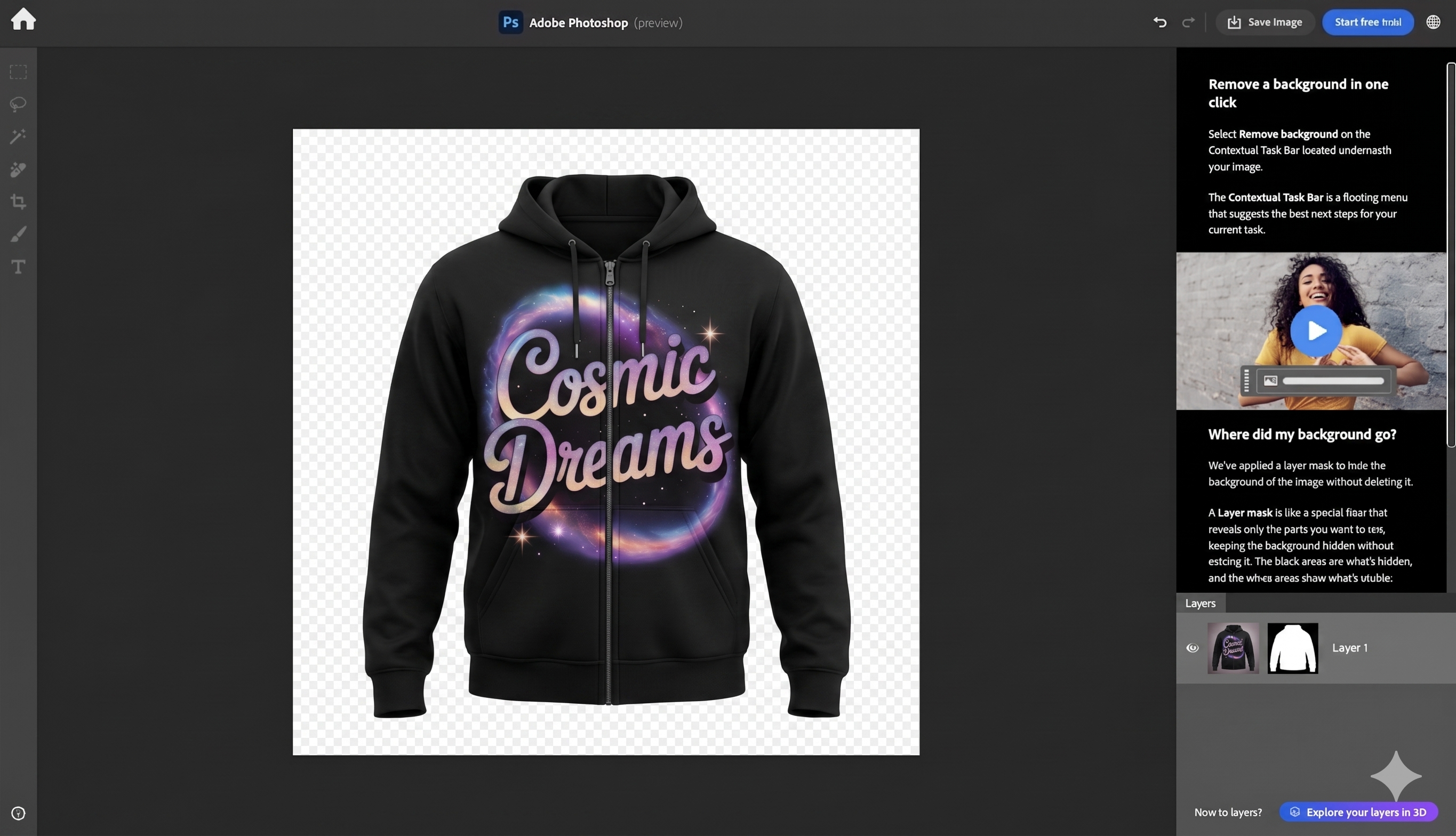
Adobe Background Remover Output Dashboard
Core Features:
Adobe's AI-powered background remover works within Photoshop and Adobe Express to remove backgrounds in seconds. Adobe's algorithms handle complex details like hair strands and intricate edges while maintaining the subject's integrity. The Refine Edge tool lets you fine-tune the selection for a more polished result, which is especially useful for professional retouching workflows.
Adobe Express, available on mobile and desktop, allows quick background removals and provides an auto-background replacement feature, making it a strong option for beginners stepping up from free tools.
Pricing:
Adobe Express: Free with basic tools, premium plan starts at $9.99/month to unlock more features
Adobe Photoshop: Requires a Creative Cloud subscription starting at $22.99/month
Best For:
Professional designers and photographers who need precise manual control over their edits and already work in the Adobe ecosystem.
3. Canva Background Remover
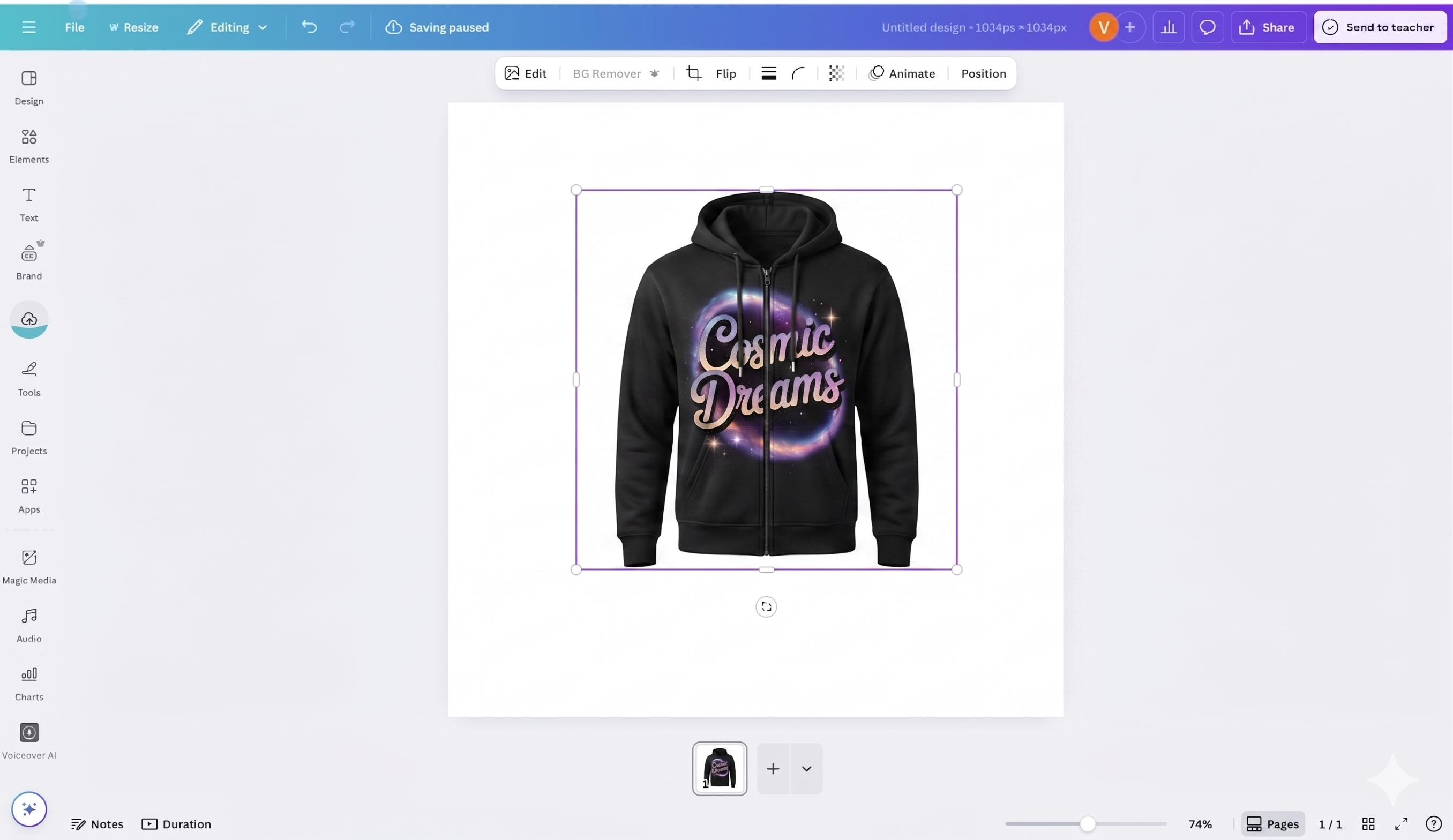
Canva Background Remover Dashboard
Core Features:
Canva has become synonymous with easy design, and its background remover is no different. The tool is powered by AI and removes backgrounds automatically, making it incredibly easy for users without advanced design skills. It integrates seamlessly with Canva's extensive library of design templates and elements, allowing you to further customize the image after background removal within the same platform.
Pricing:
Free plan: No access to the background remover
Canva Pro: Priced at $14.99/month, provides unlimited background removals and advanced design features
Best For:
Beginner designers and social media content creators looking for an intuitive tool that integrates with full design capabilities, templates, and brand kits.
4. Adobe Express Background Remover
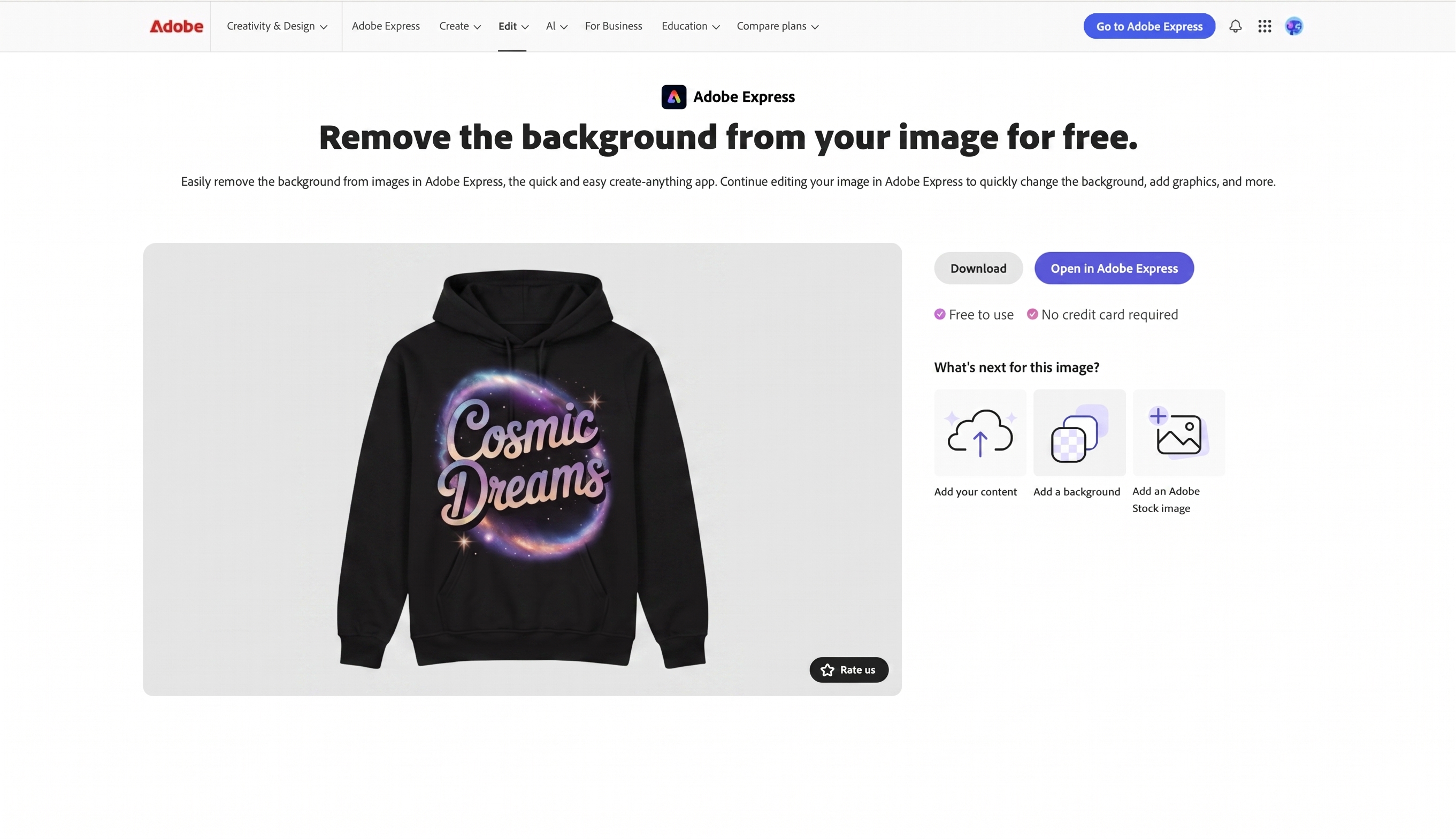
Adobe Express Background Remover Dashboard
Core Features:
Adobe Express's AI-powered background remover is easy to use and requires no advanced design skills. It detects the subject of an image and removes the background automatically. The tool also offers features like resizing, adding filters, and replacing the background with custom or stock images, all inside the same web interface.
Pricing:
Free version available with limited features
Premium plans start at $9.99/month, offering more advanced options and premium stock images
Best For:
Small business owners and marketers who need a fast, effective tool for social media posts, flyers, and quick marketing materials without committing to full Adobe Creative Cloud pricing.
5. Pixlr Background Remover
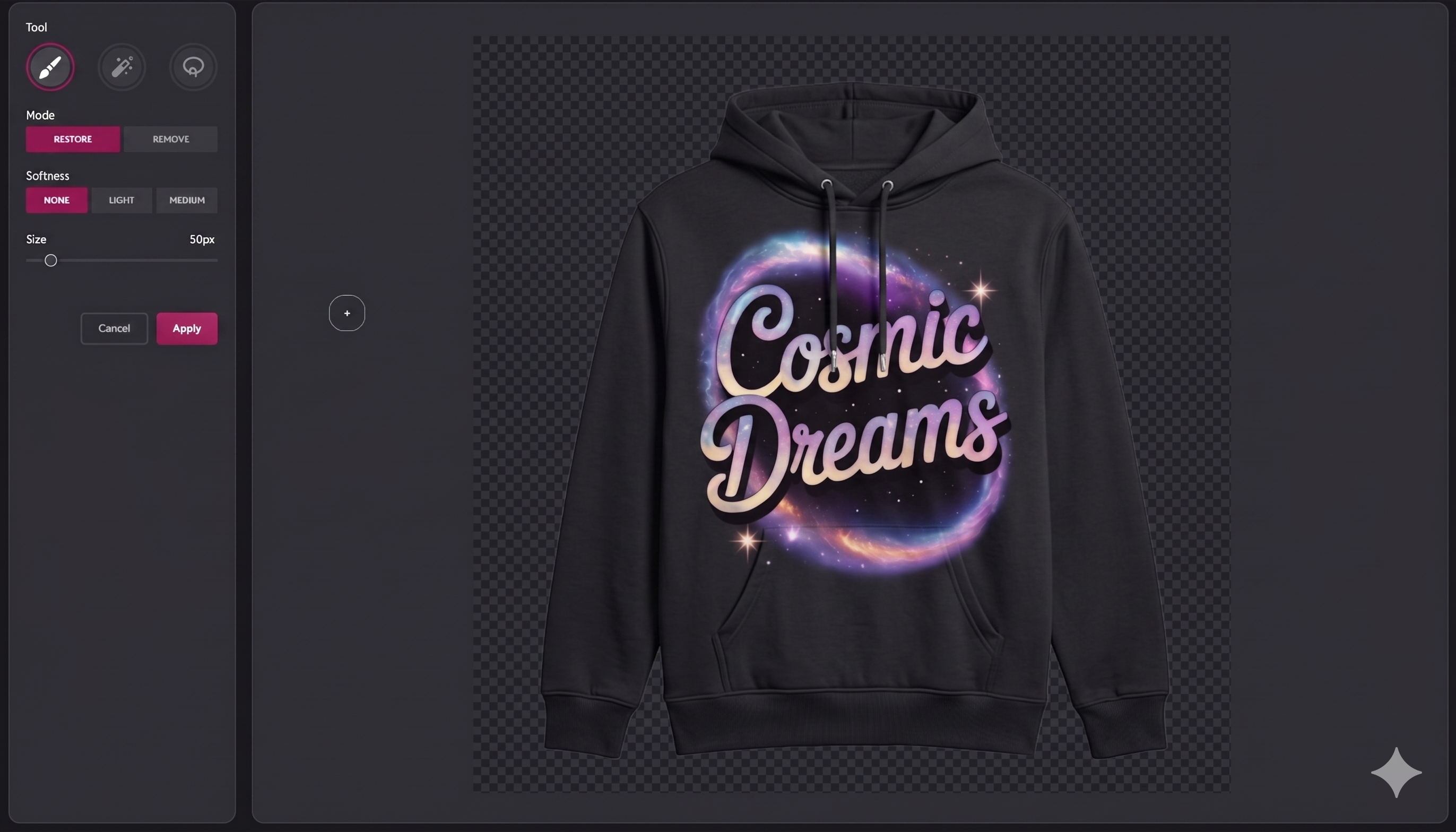
Pixlr Background Remover Output Dashboard
Core Features:
Pixlr's AI-powered background remover is an easy-to-use online tool that allows quick background removal. It includes advanced features like refining edges and manual touch-ups, giving you control over the final result. Pixlr also offers filters and color correction, making it a full-featured editor for quick edits beyond just removing backgrounds.
Pricing:
Free version available with ads
Pixlr Premium starts at $9.99/month, unlocking advanced features like batch processing and no ads
Best For:
Freelancers and small businesses who need a quick and affordable tool for high-quality background removal combined with light photo editing.
6. Fotor Background Remover
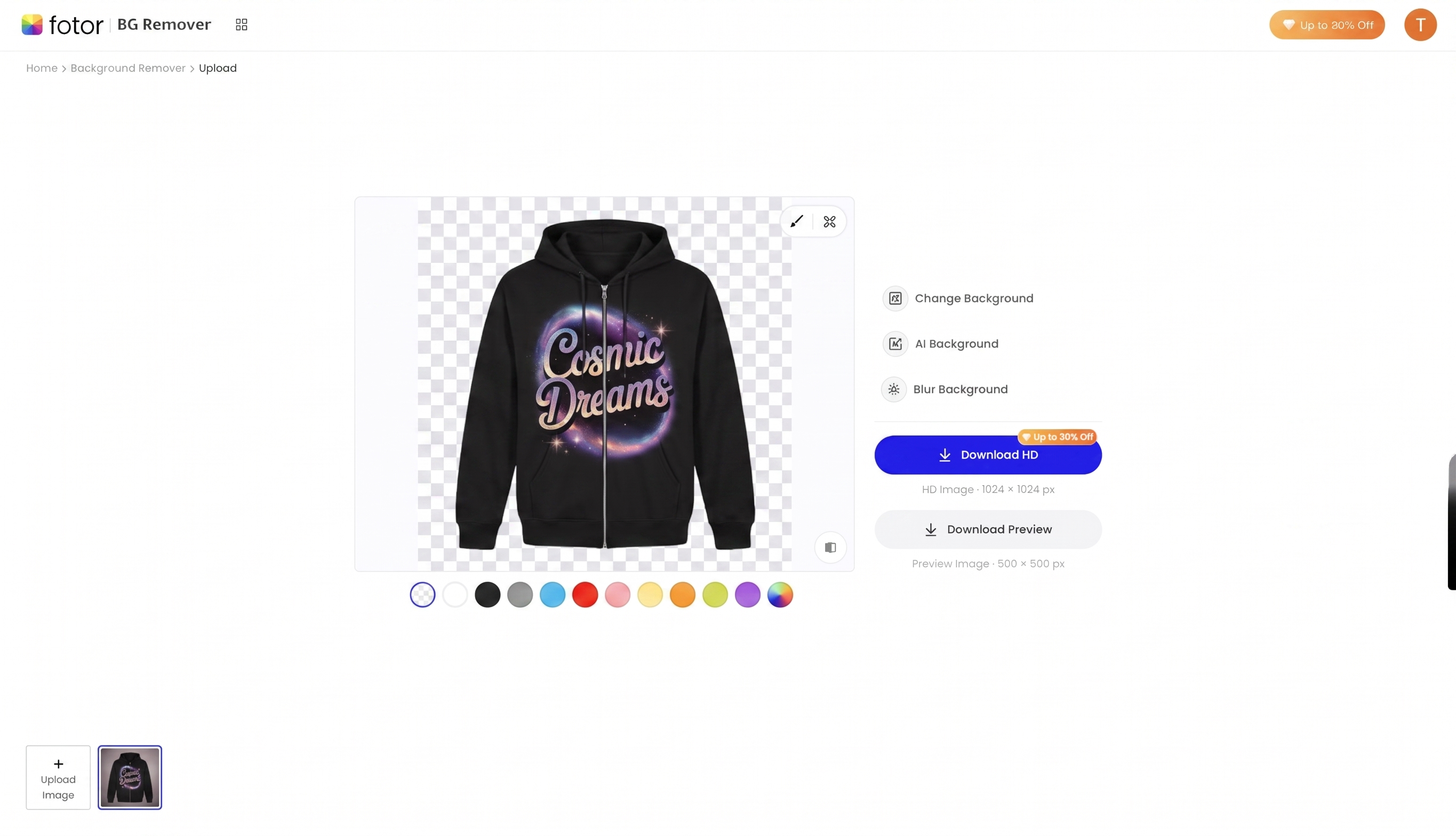
Fotor Background Remover Output Dashboard
Core Features:
Fotor's background removal tool uses AI to automatically remove the background in seconds. It is ideal for product photography and e-commerce because it consistently produces clean transparent PNG files. Fotor also offers easy-to-use editing features like color correction, text overlays, and templates, making it a one-stop tool for marketing visuals.
Pricing:
Free version with essential background removal tools
Fotor Pro is priced at $3.33/month, offering additional editing options and batch processing
Best For:
Marketers, e-commerce sellers, and content creators needing a fast, low-cost solution for background removal plus basic editing.
7. Remove.bg
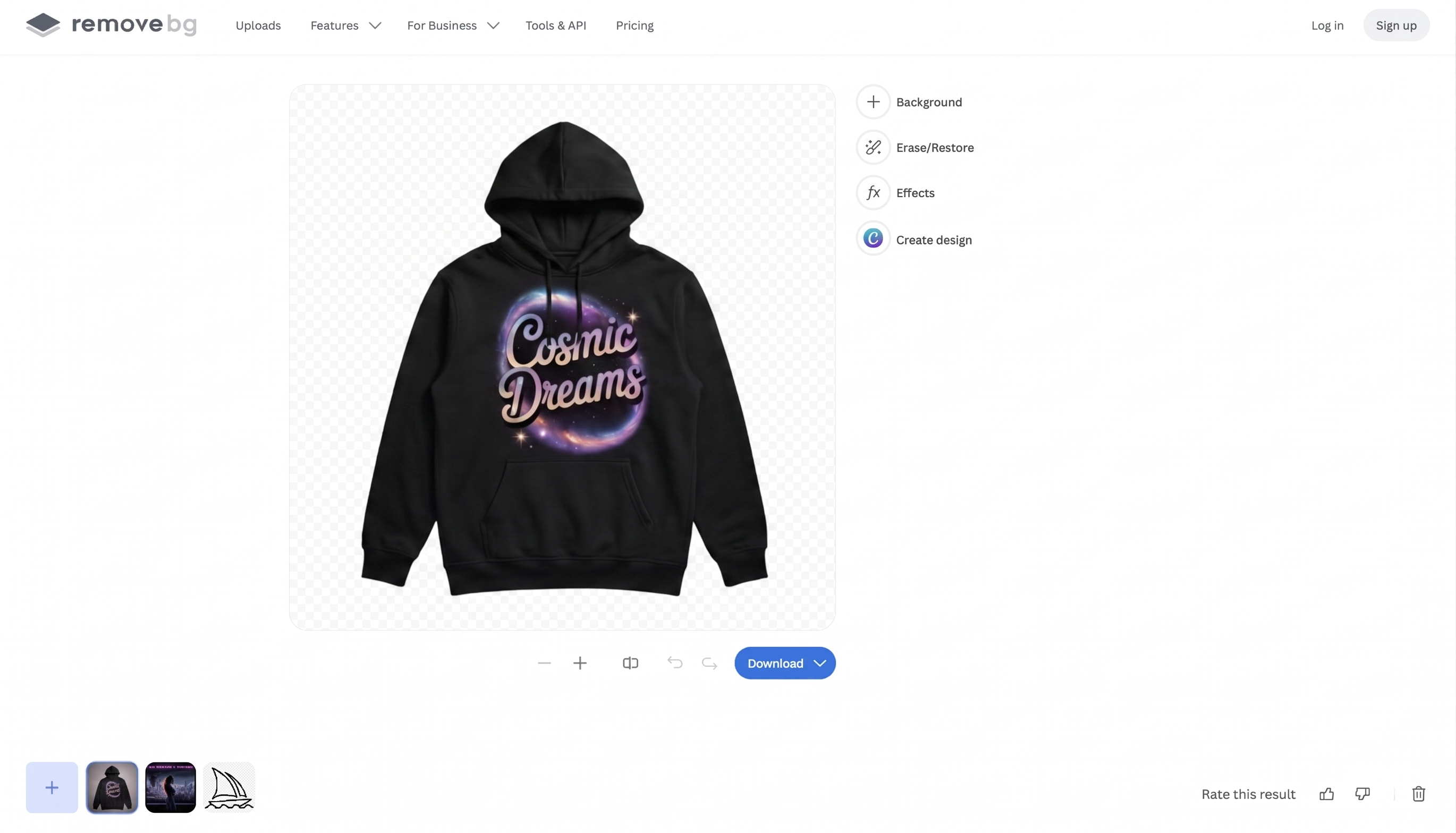
Remove.bg Output Dashboard
Core Features:
Remove.bg is an AI-powered background remover that is extremely easy to use. With a simple drag-and-drop interface, it automatically detects the subject and removes the background in seconds. It is great for processing large batches of images quickly. The tool supports both images and videos and offers API integration for businesses that need to remove backgrounds at scale.
Pricing:
Free version with essential background removal at preview resolution
Paid plans start at $3/month with 3 credits, scaling up for higher volumes
Best For:
Businesses with high-volume image needs, such as e-commerce stores and product photography teams, who need a reliable and scalable API for background removal.
8. Slazzer Background Remover
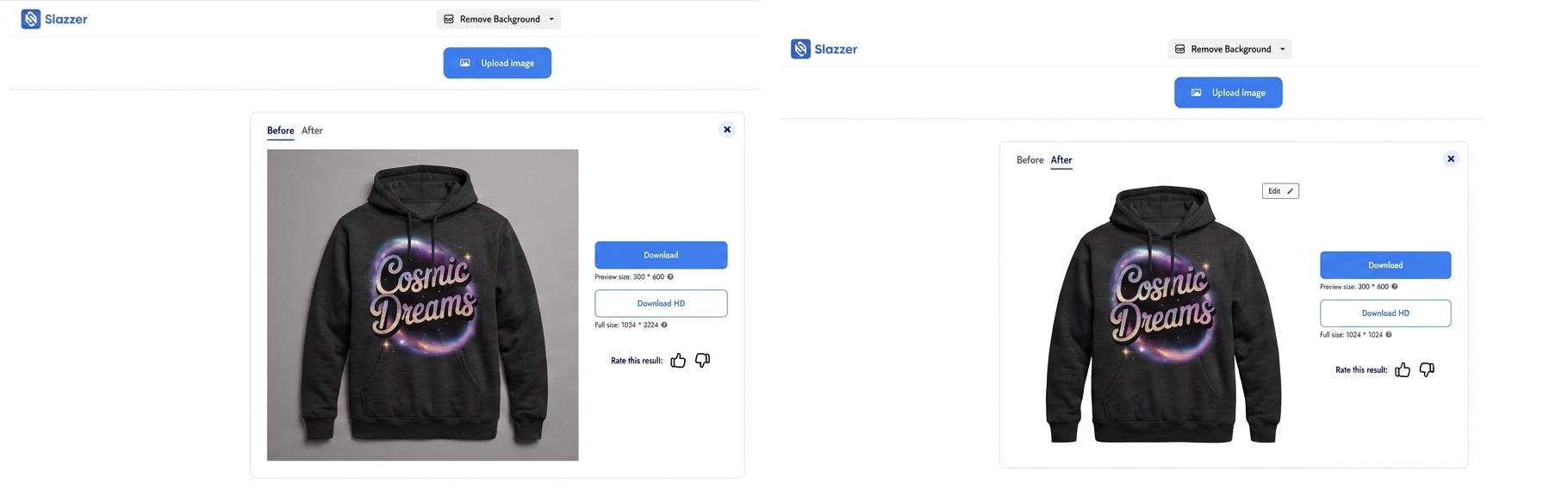
Slazzer Background Remover Output Dashboard
Core Features:
Slazzer uses AI to remove backgrounds from both images and videos with a focus on speed. It also provides API integration for businesses that need bulk background removals at scale. Slazzer supports high-quality outputs with advanced edge detection and manual touch-ups for finer adjustments, plus video background removal that competing tools often lack.
Pricing:
Free version available for low-resolution exports with only 2 free credits
Paid plans start at $0.12/image with 300 credits per month
Best For:
Freelancers and large-scale businesses that require quick background removals for multiple files, including video frames.
9. BackgroundCut
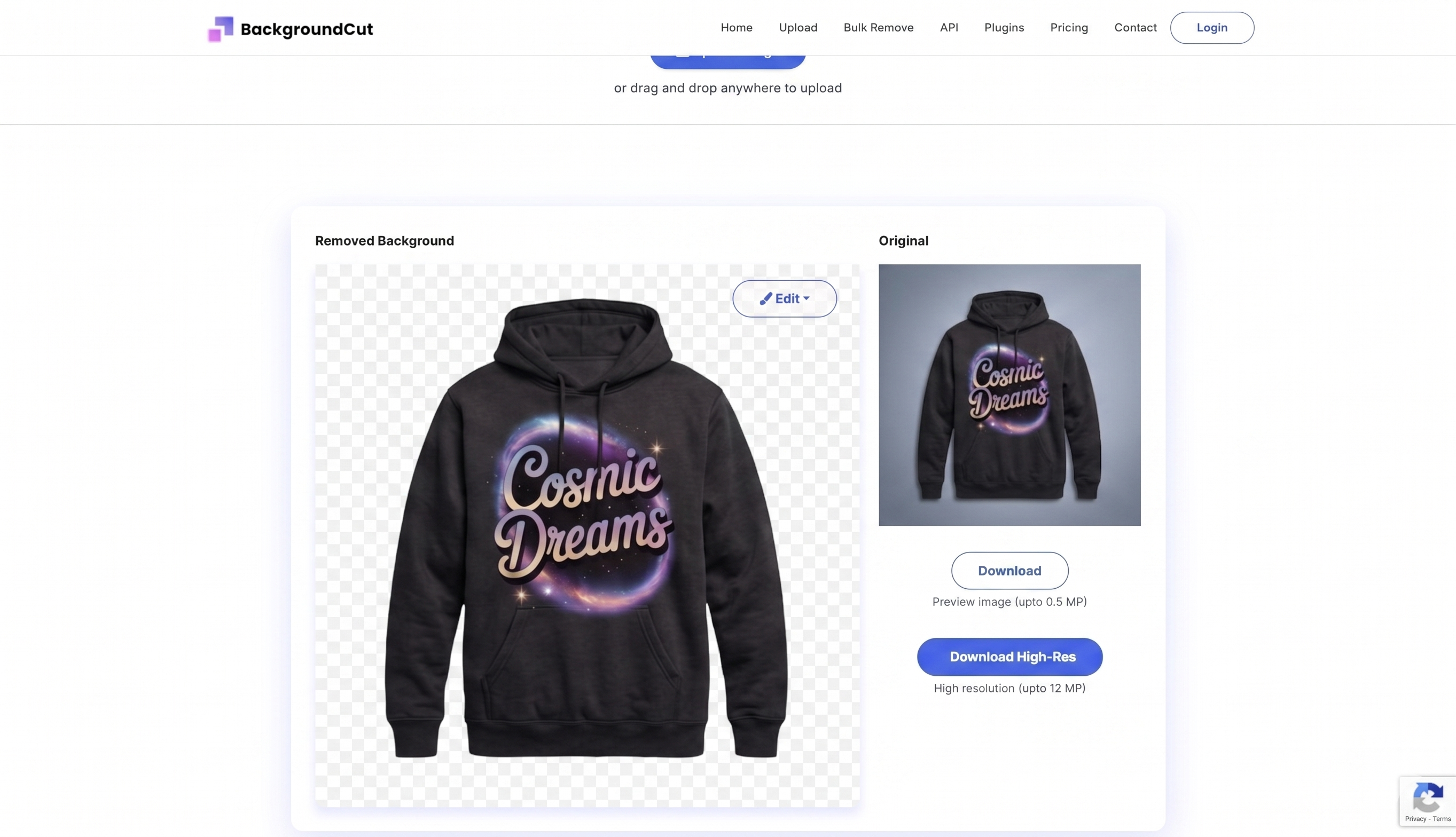
BackgroundCut Output Dashboard
Core Features:
BackgroundCut's AI can accurately remove backgrounds from images in a matter of seconds. It also supports background replacement and offers photo editing features like sharpening, color adjustment, and cropping. The interface is minimal and focused, which makes it accessible for non-designers.
Pricing:
API access is limited to 10 credits per month on the free tier
Premium version starts at $9/month for unlimited image processing
Best For:
Small businesses and freelancers who need an efficient and affordable tool for basic background removal with light editing built in.
10. ClipDrop Background Remover
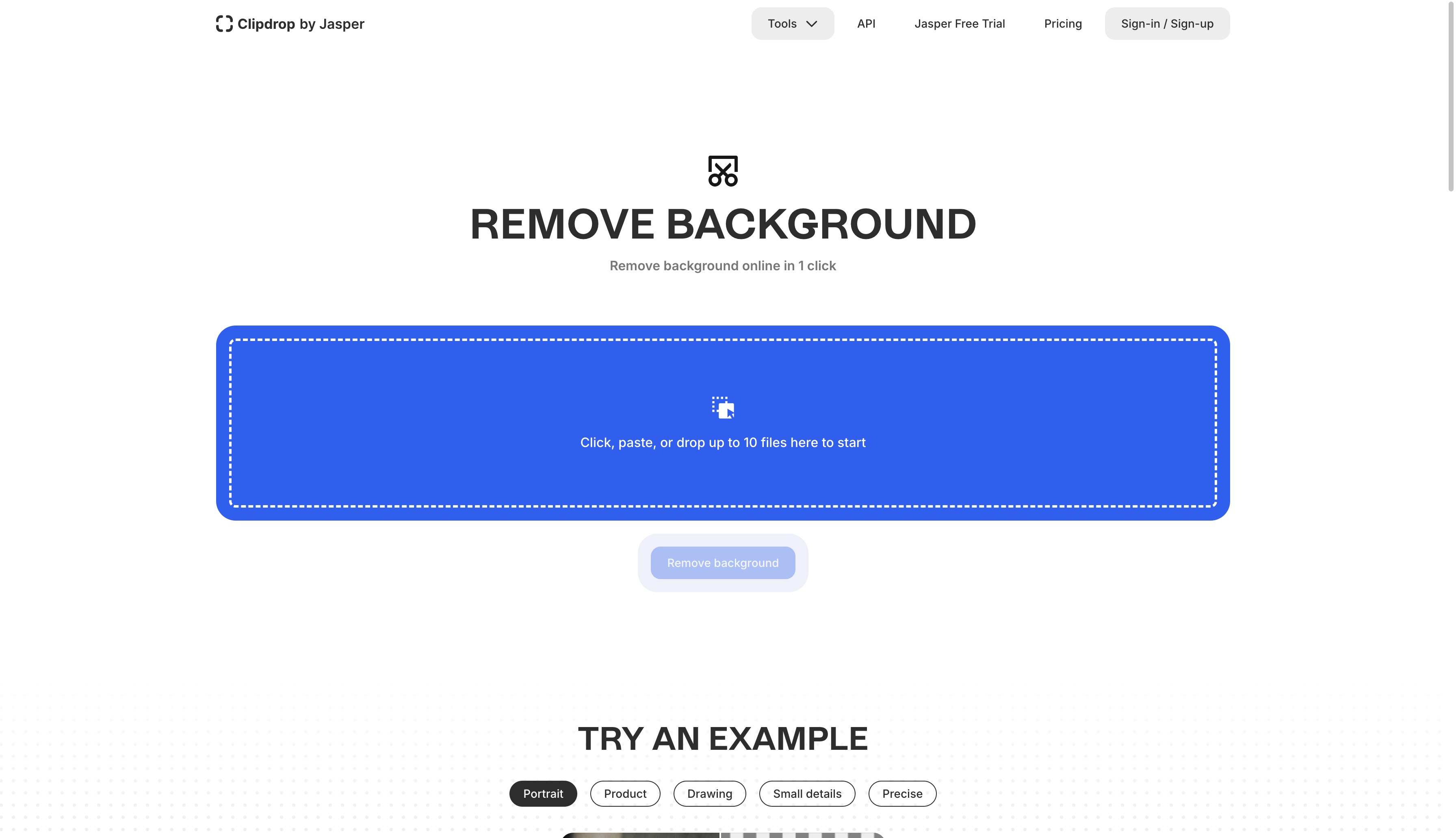
ClipDrop Background Remover Dashboard
Core Features:
ClipDrop is a mobile-first tool designed for quick background removal and instant cutouts. It provides real-time background removal using its mobile app, and users can transfer the cutout directly to their design software. The mobile experience is its biggest strength, making it ideal for creators editing on the go.
Pricing:
Free for basic use
ClipDrop Pro at $13/month for unlimited background removal
Best For:
Mobile users and professionals who need fast, on-the-go background removal for their images and videos.
Why Templix Stands Out as the Best AI Background Remover
Most background remover tools fall into one of two camps: simple but limited (good for selfies, weak on hair and fur edges) or powerful but expensive (built for Adobe-tier designers). Templix sits in the sweet spot between the two and adds something neither side offers: a connected creative suite.
You get pixel-perfect edges on the hardest details, transparent PNG output ready for any design or listing, no watermarks on downloads, and a workflow simple enough that anyone can use it on the first try. Past the removal step, Templix connects to the rest of your creative process: upscale the cutout with the Templix AI Image Upscaler, generate fresh backgrounds with the Templix AI Image Generator, turn the result into short-form video with the Templix AI Reel Generator, or run it through other apps like the AI Face Swap and AI Motion Control.
For anyone making content for Shopify, Amazon, Etsy, Instagram Reels, TikTok, or print campaigns, Templix is the most complete free AI background remover available right now.
Remove Your First Background Free on Templix
Conclusion
Choosing the best AI background remover ultimately depends on your needs. Whether you are a content creator, small business, e-commerce seller, or professional designer, there is a tool on this list for you. From completely free options like Templix and Remove.bg to advanced professional solutions like Adobe Photoshop, each platform has its own set of strengths to match different use cases.
For most creators in 2026, Templix offers the best combination of edge accuracy, speed, free access, and integration with a wider AI suite. Use the right tool to elevate your visual content, save time, and produce professional-quality cutouts at scale.
Looking for more AI tools beyond background removal? Explore the full Templix AI Apps suite, which includes Face Swap, Motion Control, Hairstyle Changer, Image Upscaler, Clothes Changer, and more, all powered by the same advanced AI models that drive the background remover.
Start Removing Backgrounds Free with Templix
Frequently Asked Questions
What is Templix AI Background Remover and how does it work?
Templix AI Background Remover is an advanced AI tool that automatically detects the subject in your image and removes the background, returning a clean transparent PNG. It uses deep-learning models trained on millions of images to identify edges, hair strands, fur, fabric textures, and complex outlines with pixel-perfect accuracy. Upload any JPG, PNG, or WebP file and the result is ready in seconds.
Is Templix AI Background Remover free to use?
Yes. Templix offers free credits on signup so you can test the AI background remover at no cost. You can remove backgrounds from multiple images for free before deciding to upgrade. Paid plans unlock higher credit volumes, faster processing, and priority queueing for users who need to process backgrounds at scale.
What image formats does Templix AI Background Remover support?
Templix accepts JPG, PNG, and WebP as input formats. The output is always a transparent PNG ready to drop into any design tool, e-commerce listing, marketing visual, or composite project.
Can Templix remove backgrounds from hair, fur, and complex edges?
Yes. Templix is specifically built to preserve fine details like hair strands, fur, fabric texture, and intricate outlines. The AI detects these complex edges with high accuracy, which is one of the biggest weaknesses of traditional and lower-tier background removers.
Will Templix add a watermark to my downloaded image?
No. Templix delivers transparent PNG downloads with no watermark, even on entry-level access. This is rare among free background remover tools, most of which either watermark free outputs or restrict resolution until you upgrade.
Can I use Templix AI Background Remover for product photos and e-commerce listings?
Absolutely. Templix is built for e-commerce at scale. You can remove backgrounds from product photos for Shopify, Amazon, Etsy, eBay listings, marketing campaigns, social media ads, and print catalogs in seconds. The clean transparent output meets the requirements of all major e-commerce platforms.
Does Templix work on portraits, pets, and complex scenes?
Yes. Unlike background removers that only handle a narrow band of subjects, Templix delivers clean results on portraits, products, pets, illustrations, AI-generated visuals, and multi-subject scenes. The AI adjusts to the type of subject in your image for the most accurate cutout.
Can I add a new background after Templix removes the original?
Yes. After Templix removes the background and gives you a transparent PNG, you can drop the cutout onto any new background in your design tool of choice, or generate a fresh background with the Templix AI Image Generator for a fully AI-powered product photo workflow.
Do I need to install any software to use Templix AI Background Remover?
No. Templix runs entirely in your browser on desktop and mobile. There is nothing to install, no software downloads, and no operating-system restrictions. Visit the site, upload your image, and download the transparent PNG.
How fast does Templix process background removal?
Each background removal completes in seconds. Most uploads return a finished transparent PNG in under a minute, which makes Templix one of the fastest AI background removers available without sacrificing edge quality.
Sidra Amin
A passionate creator sharing insights and tips on the latest in AI and digital creativity.